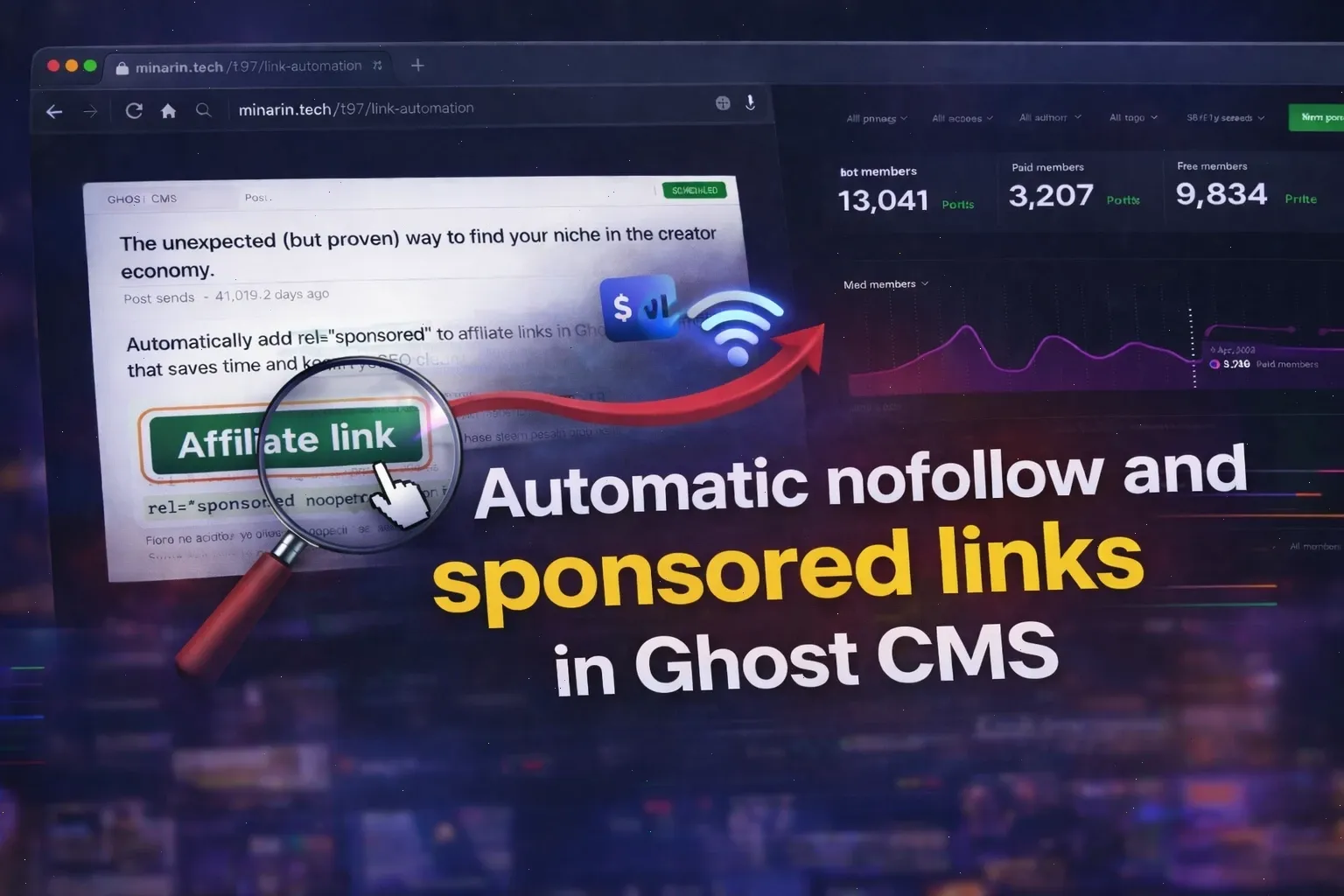
Heads up! If you’re using affiliate links or sponsored stuff, you gotta let Google know. They expect you to tag those kinds of links with rel=sponsored. If you don’t, it could mess with your site’s rep and how it shows up in search results.
But, honestly, who wants to edit every single link by hand? It’s boring, and you’re bound to miss one. That’s where this comes in.
I’m going to walk you through a simple way to use a bit of JavaScript to automatically add rel=sponsored noopener noreferrer to those special links in your Ghost blog. Plus, it’ll make those links open in a new tab – keeping people on your site.
No awkward plugins or complicated stuff. Just a simple script you can drop right into Ghost.
Table of Contents
Why Bother?
Google wants you to clearly mark affiliate or sponsored URLs with rel=sponsored. It tells them, Hey, this is a promotional link.
Doing it yourself every time? Not fun and easy to screw up.
This script helps by:
- Finding the external links you marked in your posts.
- Adding
rel=sponsored noopener noreferrerto help with SEO and keep things secure. - Making those links open in a new tab (
target=_blank) so people don’t leave your site. - Getting rid of your special marker from the link, so readers never see it.
Once it’s set up, you won’t even know it’s there!
Step 1: Mark Your Links in Ghost
The script needs a secret sign to know which links are sponsored.
When you add a sponsored or affiliate link in Ghost, just tack on this little bit at the end:
?sponsoredLike this:
https://example.com/product?sponsoredIf the link already has other stuff at the end, use this instead:
https://example.com/product?ref=123&sponsoredThat ?sponsored or &sponsored thing is just for the script. Nobody will see it but the script, which deletes it before anyone sees the page.
Think of it as a secret code!
Step 2: Add the Script to Your Ghost Site
To get this magic working, paste the JavaScript code into your Ghost footer. Putting it there makes sure the page loads first, so nothing gets slowed down.
Here’s how:
- Log in to your Ghost Admin area.
- Go to Settings.
- Click on Code Injection.
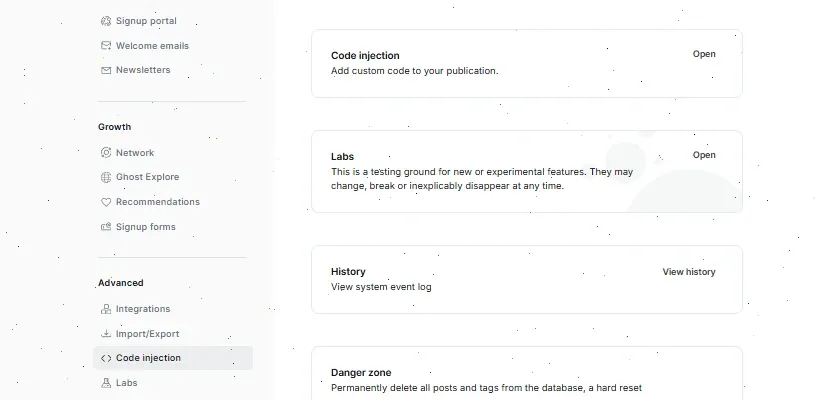
- Scroll down to Site Footer.
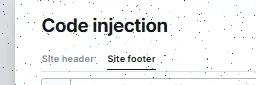
- Paste the script below.
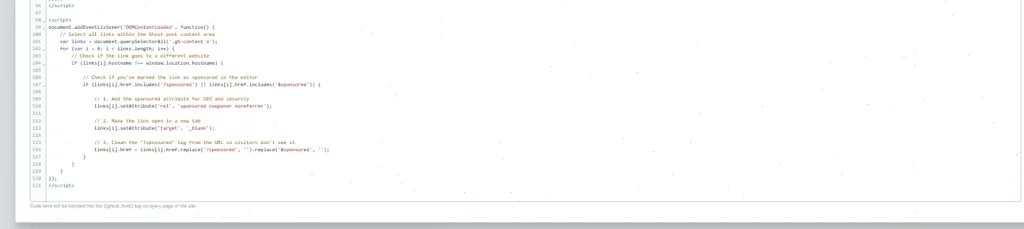
- Hit Save.
Here’s the script you need:
<script>
document.addEventListener('DOMContentLoaded', function() {
    // Select all links within the Ghost post content area
    var links = document.querySelectorAll('.gh-content a');
    for (var i = 0; i < links.length; i++) {
        // Check if the link goes to a different website
        if (links[i].hostname !== window.location.hostname) {

            // Check if you've marked the link as sponsored in the editor
            if (links[i].href.includes('?sponsored') || links[i].href.includes('&sponsored')) {

                // 1. Add the sponsored attribute for SEO and security
                links[i].setAttribute('rel', 'sponsored noopener noreferrer');

                // 2. Make the link open in a new tab
                links[i].setAttribute('target', '_blank');

                // 3. Clean the "?sponsored" tag from the URL so visitors don't see it
                links[i].href = links[i].href.replace('?sponsored', '').replace('&sponsored', '');
            }
        }
    }
});
</script>
One thing to remember
The .gh-content a part looks for links inside your normal Ghost content. Most themes use this setup, so you probably don’t need to change anything.
Step 3: Check That It Works
After you save, the script will start doing its thing.
To make sure it’s all working:
- Open a post with a link that has
?sponsoredat the end. - Right-click the link and click Inspect.
- Look at the code for the link, and make sure it has:
rel=sponsored noopener noreferrertarget=_blank
Then, click the link!
It should pop open in a new tab, and you shouldn’t see the ?sponsored bit in the address bar. If all that’s true, you’re good to go!

All Done!
Now you’ve got a super easy way to handle sponsored and affiliate links in Ghost. Everything’s automatic, your SEO is safe, and people stick around on your site longer.
Simple code, and everything stays in order.
And you don’t have to do it manually anymore!