7 Best WordPress Courses in 2026 for Beginners, Developers & Store Owners
Looking for the best WordPress course in 2026? Whether you want to build your first website, start freelancing, or launch an online store, choosing the right course can save you weeks of trial and error.
We reviewed dozens of WordPress courses from platforms like Udemy, freeCodeCamp, YouTube, and Yoast to find the best options for beginners, developers, and eCommerce users.
Below, you’ll find free and paid courses, who they’re best for, what you’ll learn, and which one you should start with today.
Best WordPress Courses in 2026: Quick Comparison
| Course | Best For | Price | Level | Certificate | Duration |
|---|---|---|---|---|---|
| WordPress for Beginners (Udemy) | Absolute beginners | Paid | Beginner | Yes | 4–5h |
| Master WordPress Quickly (Udemy) | Affiliate sites | Paid | Beginner | Yes | 10h |
| WordPress Bootcamp (Noble Desktop) | Structured learning | Paid | All levels | Yes | 18h |
| freeCodeCamp Website Course | Free learning | Free | Beginner | No | 2h |
| WooCommerce Course | eCommerce | Free | Beginner | No | 3–4h |
| Yoast WordPress Training | SEO-focused | Free/Paid | Beginner | Yes | 14–18h |
| Tyler Moore Course | Fast start | Free | Beginner | No | 1–2h |
👉 Tip: If you’re a complete beginner, start with Udemy or freeCodeCamp.
👉 Want to build an online store? Go straight to WooCommerce-focused courses.
Top WordPress Courses Reviewed
1. WordPress for Beginners: Create a Website Step by Step (Udemy)
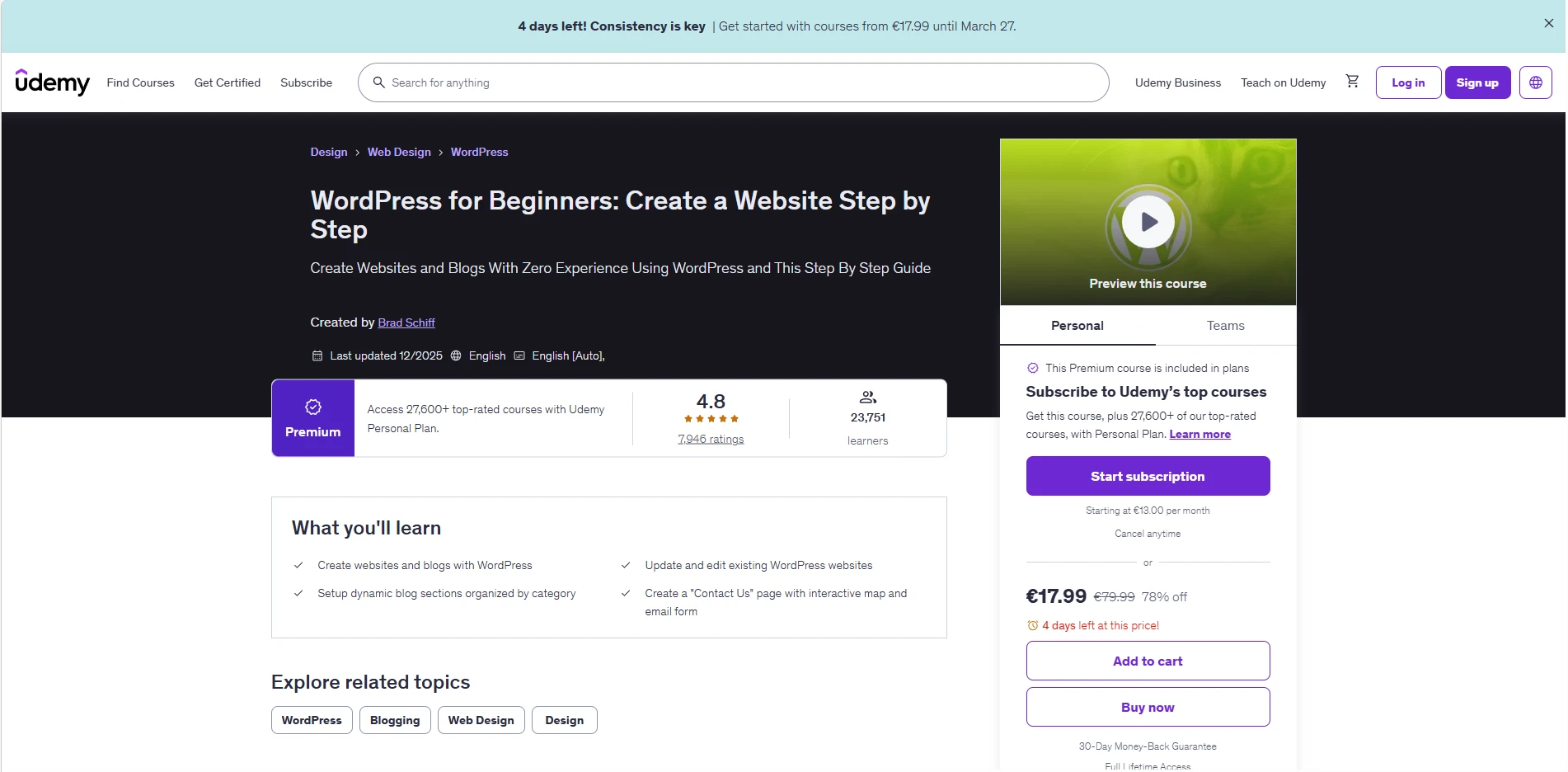
Best WordPress course for beginners
This is one of the most beginner-friendly WordPress courses available. It walks you through the entire process of building a website from scratch — no coding required.
What you’ll learn:
- WordPress setup and hosting basics
- Creating pages and blog posts
- Themes and customization
- Plugins and widgets
- Contact forms and navigation
Pros:
- Very beginner-friendly
- Structured step-by-step learning
- Includes certificate
Cons:
- Not focused on advanced features
👉 Best for: First-time website creators
👉 CTA: Check latest price on Udemy / Start course
2. WordPress for Beginners – Master WordPress Quickly (Udemy)
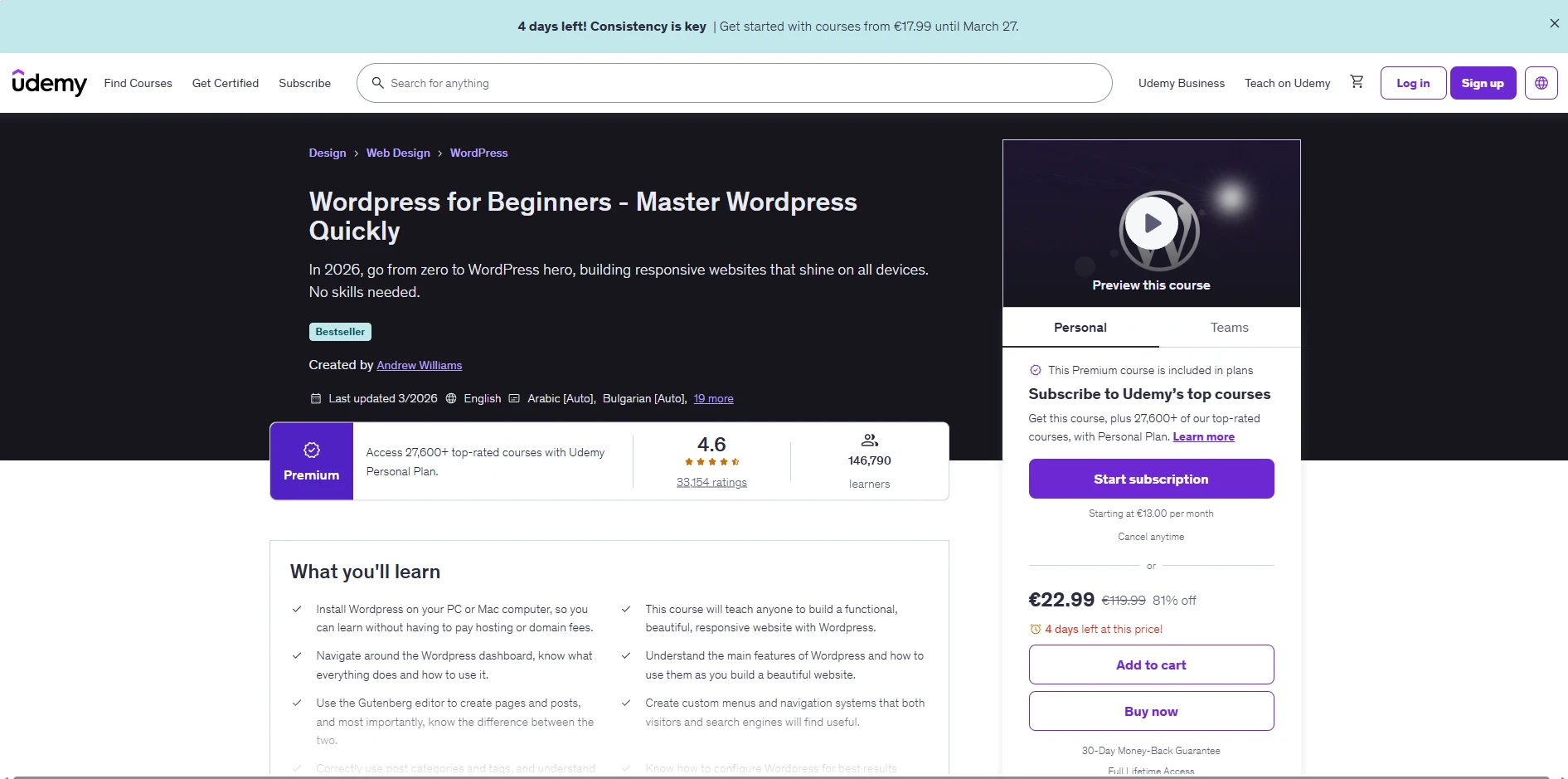
Best for affiliate websites
This course stands out because it shows how to build a real affiliate website, not just a demo project.
What you’ll learn:
- Local WordPress setup
- Affiliate site structure
- Content creation and categories
- Security basics
Pros:
- Practical real-world example
- Great for monetization
- Covers affiliate basics
Cons:
- Less design-focused
👉 Best for: Bloggers and affiliate marketers
👉 CTA: View course details / Start learning
3. WordPress Bootcamp (Noble Desktop)
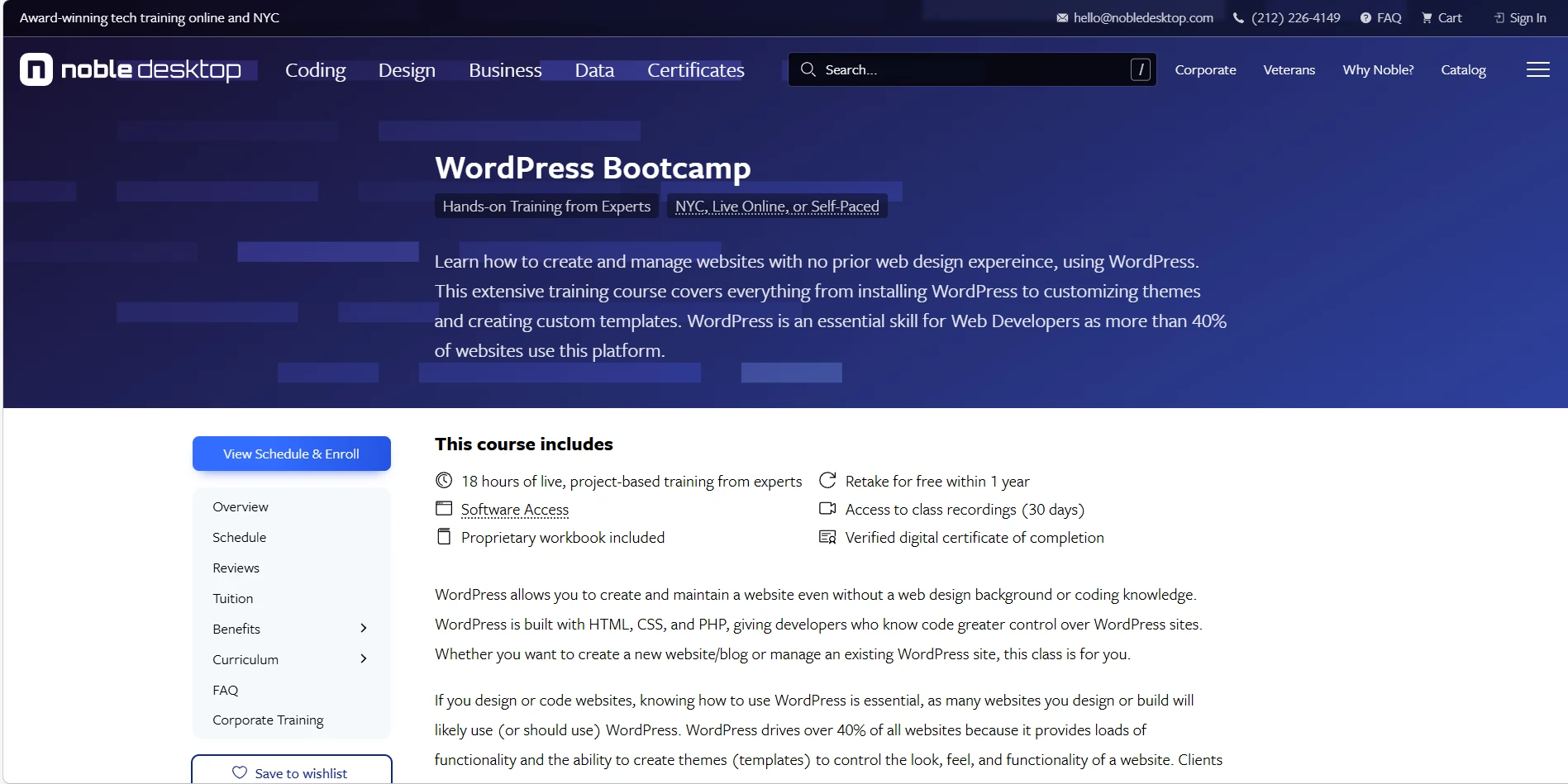
Best WordPress bootcamp
A more structured and professional learning experience with live sessions and instructor feedback.
What you’ll learn:
- WordPress fundamentals
- SEO basics
- Theme customization
- PHP basics
Pros:
- Live instruction
- Real projects
- Strong support
Cons:
- More expensive than online courses
👉 Best for: Serious learners and career switchers
👉 CTA: Check schedule / Enroll now
4. Make a Website With WordPress (freeCodeCamp)
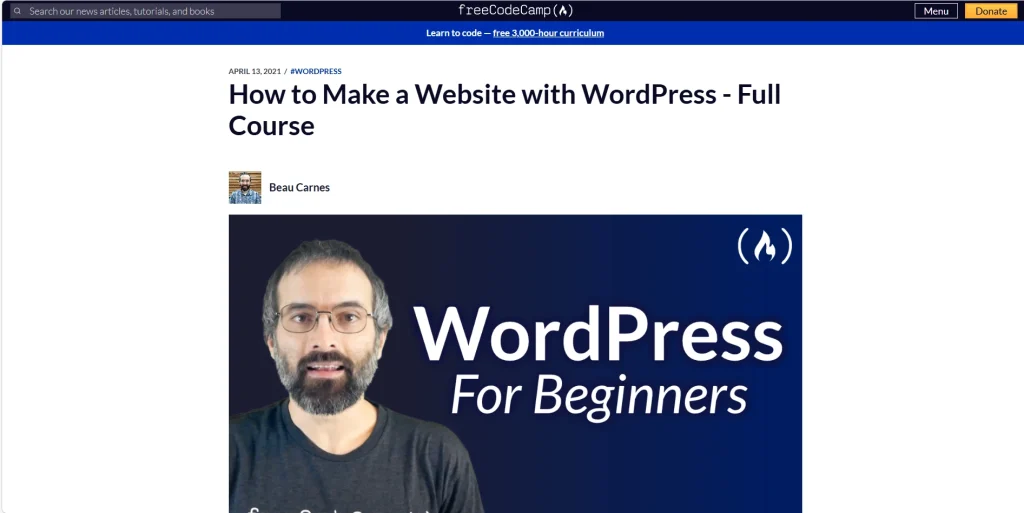
Best free WordPress course
A short but powerful introduction to WordPress and website building.
What you’ll learn:
- Domain and hosting setup
- Elementor design
- Basic customization
- Website structure
Pros:
- Completely free
- Easy to follow
- Beginner-friendly
Cons:
- Limited depth
👉 Best for: Quick start without spending money
👉 CTA: Watch free course
5. E-Commerce Website with WordPress & WooCommerce
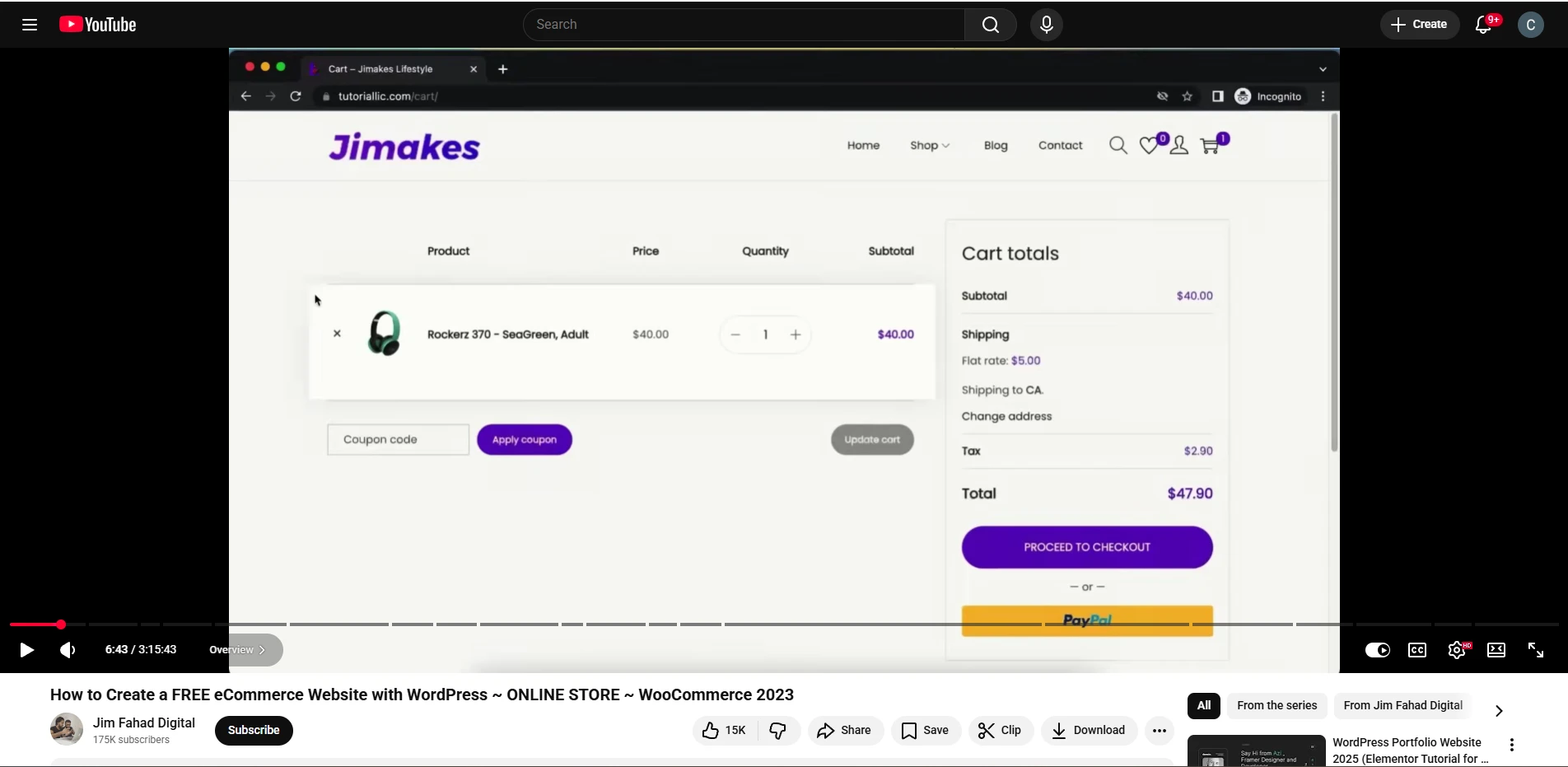
Best WooCommerce course for beginners
Perfect if your goal is to build an online store.
What you’ll learn:
- WooCommerce setup
- Payment systems (PayPal, COD)
- Product variations
- Coupons and discounts
Pros:
- Focus on real eCommerce
- Covers monetization
- Beginner-friendly
Cons:
- Not focused on blogging
👉 Best for: Online store owners
👉 CTA: Start WooCommerce course
6. WordPress Training for Beginners (Yoast)
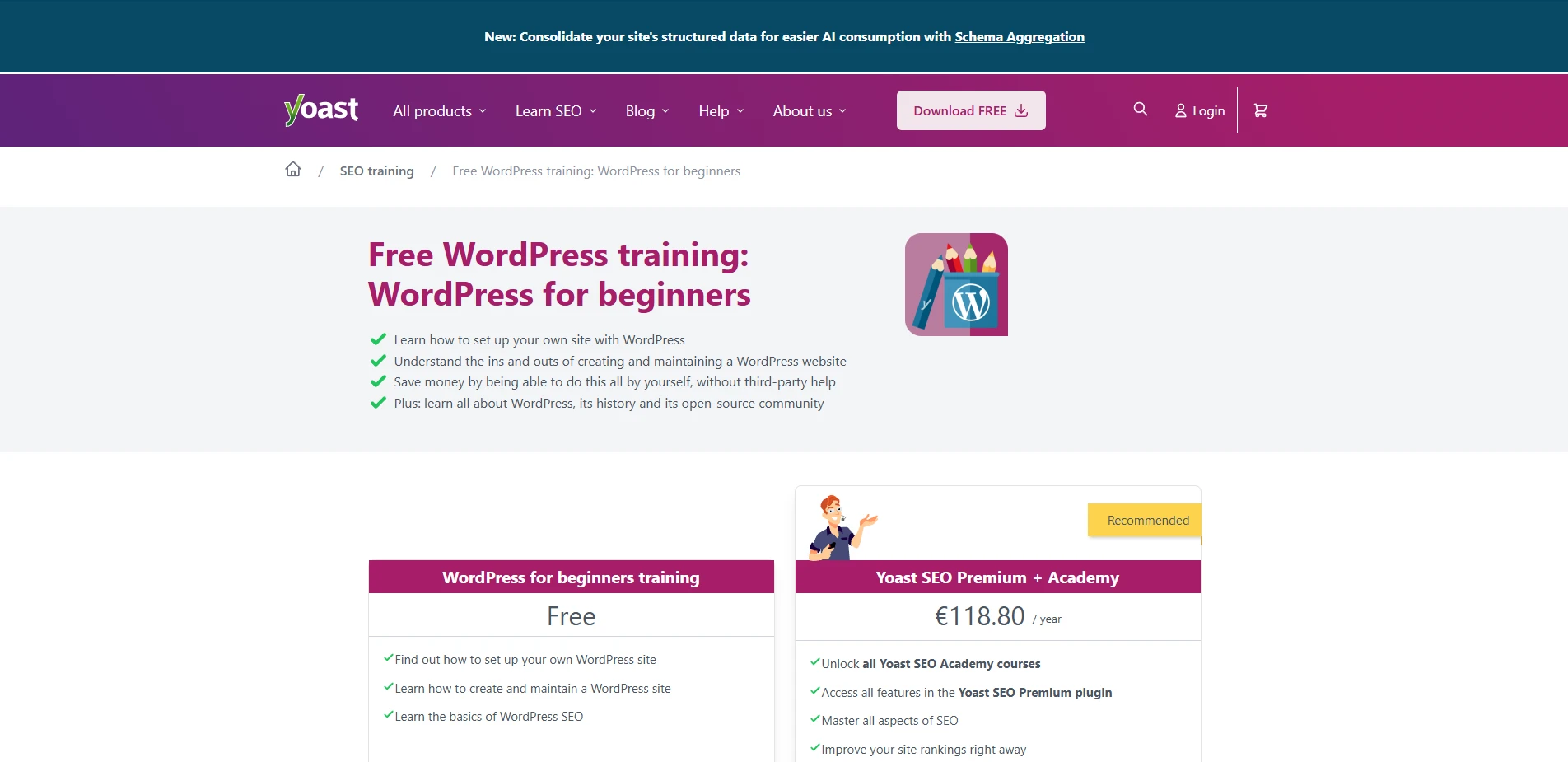
Best course with certificate + SEO focus
A well-structured course with a strong focus on SEO.
What you’ll learn:
- WordPress basics
- SEO fundamentals
- Content organization
- Plugins
Pros:
- SEO-focused
- Certificate included
- Trusted brand
Cons:
- Slower pace
👉 Best for: Bloggers and SEO beginners
👉 CTA: Get certified
7. How To Make a WordPress Website (Tyler Moore)
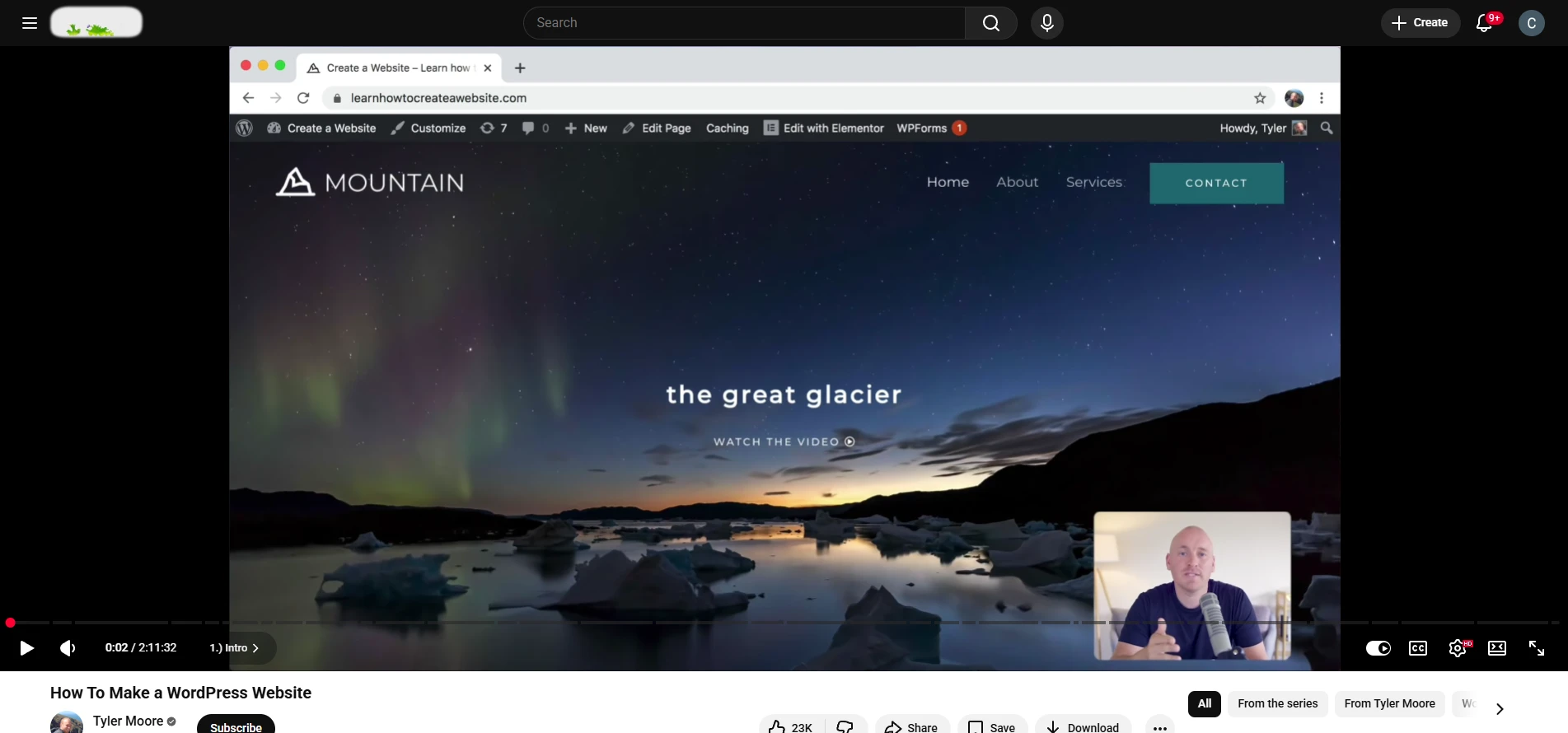
Best quick-start course
If you want results fast, this is one of the shortest courses.
What you’ll learn:
- Installation
- Basic design
- Plugins
- Site structure
Pros:
- Very fast
- Easy to follow
Cons:
- Limited depth
👉 Best for: Quick website launch
👉 CTA: Watch tutorial
How to Choose the Right WordPress Course
When choosing a WordPress course, focus on:
- Your goal (blog, freelance, eCommerce, development)
- Your experience level
- Whether you need a certificate
- Hands-on practice vs theory
- Course length and format
👉 If you’re a beginner — choose simple, step-by-step courses
👉 If you want income — focus on affiliate or WooCommerce courses
Can You Learn WordPress Without Coding?
Yes — most modern WordPress courses require zero coding.
Tools like Elementor and plugins allow you to build full websites visually. However, basic knowledge of HTML or CSS can help you grow faster.
Are WordPress Courses Worth It in 2026?
Yes — especially if you want to:
- Start a blog or business
- Build websites for clients
- Launch an online store
- Work as a freelancer
WordPress skills are still in high demand, and even basic knowledge can generate income.
FAQ
-
What is the best WordPress course for beginners?
Udemy WordPress for Beginners is one of the easiest starting points.
-
Is WordPress hard to learn?
No — most beginners can build a site within a few hours.
-
How long does it take to learn WordPress?
Basic skills: 1–2 days
Advanced skills: a few weeks -
Which course is best for WooCommerce?
The WooCommerce course by Website Learners is a great option.
-
Are free WordPress courses enough?
Yes for basics — but paid courses are usually more structured.
Final Verdict
If you’re just starting out, go with a beginner-friendly course on Udemy or freeCodeCamp.
If your goal is income — choose affiliate or WooCommerce-focused courses.
If you want deeper skills — move into WordPress development training.
👉 Your next step: Pick one course and start today — the fastest way to learn WordPress is by actually building a site.