
Introduction
AI is changing how we work. Stuff that used to take ages – like answering emails, sorting out projects, checking info, or planning meetings – can now be done in minutes with AI’s help.
From freelancers and remote workers to business owners and teams, more and more people are using AI productivity tools to make their work easier and focus on what really matters. These tools take care of those boring, repetitive tasks, help with writing and digging up info, and let teams work together better.
😇
Some links may be affiliate links, meaning I may earn a small commission at no extra cost to you. I only recommend products and platforms I truly trust and believe provide real value.
In 2026, AI productivity software isn’t just basic add-ons anymore. It’s become a central part of our daily work and business tools.
In this guide, I’ll share the 7 best AI productivity software tools for beginners and pros. You’ll see how they work and how they can help you cut down on time, be more productive, and really get things done.
What’s Up with AI Productivity Tools?
AI productivity tools are software that use artificial intelligence to help you finish tasks faster, make workflows automatic, and get more organized.
These tools can help with day-to-day stuff, like:
- Writing emails or reports
- Sorting out projects and tasks
- Making those repetitive workflows automatic
- Getting the gist of meetings and documents
- Coming up with ideas and finding info
By using machine learning and automation, AI productivity tools handle manual work so you can focus on the important, strategic stuff instead of the same old grind.
7 Top AI Productivity Software Tools
Here are the best AI productivity tools that beginners, professionals, and small business owners should think about using in 2026.
1. ChatGPT – The Best AI Helper for Everyday Stuff
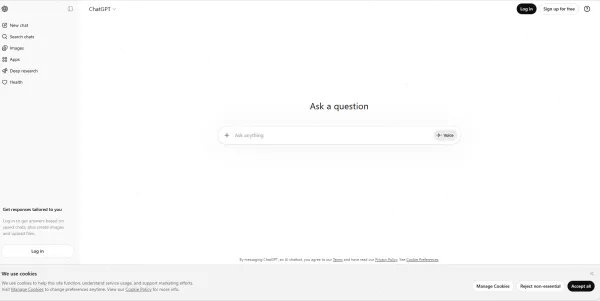
ChatGPT is one of the most useful AI productivity tools out there. It’s like a smart assistant that helps you write, do research, come up with ideas, and fix problems.
People use ChatGPT to make things like writing emails, putting together reports, and summarizing complicated info automatic.
Top Features
- AI can make and fix content
- Helps with research and brainstorming
- Writes and fixes code
- Helps write emails and rewrite messages
- Summarizes documents
Great For
- Beginners who are learning about AI tools
- People who need help with writing or research
- Business owners and freelancers
2. Notion AI – The Best AI Workspace for Getting Organized
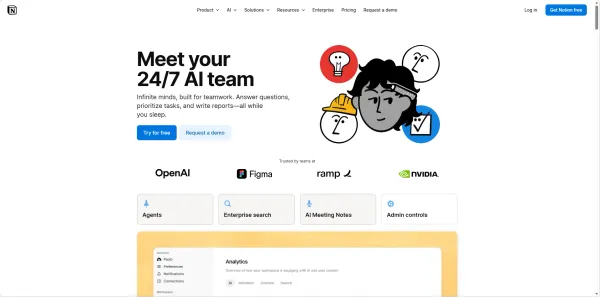
Notion AI puts notes, documents, databases, and project management all in one AI-powered workspace.
It helps teams and individuals keep their knowledge organized, make documentation, and make writing tasks automatic, all in one spot.
Top Features
- AI helps with writing and fixing
- Smart document summaries
- Task and project management
- Knowledge base organization
Great For
- Teams and startups
- Remote workers
- Keeping info organized
3. Zapier AI – The Best Tool for Automating AI Workflows
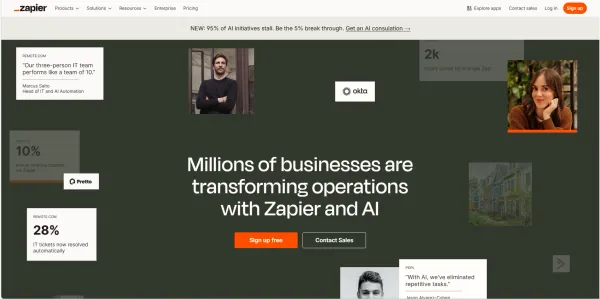
Zapier is a great AI workflow automation tool. It connects a ton of apps and automates those tasks you do over and over without needing to know how to code.
For example, Zapier can automatically send info from a form to a spreadsheet, CRM, or email platform.
Top Features
- No code needed to automate
- Works with thousands of apps
- Custom workflow triggers and actions
- AI gives advice on how to automate
Great For
- Small businesses
- Business owners
- Marketing and operations teams
4. Grammarly AI – The Best AI Tool for Writing
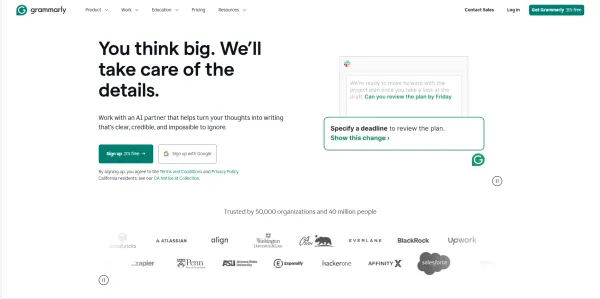
Lots of people use Grammarly AI to make their writing clearer, with better grammar and tone.
It helps you write professional emails, reports, and documents while cutting down on mistakes and making things easier to read.
It’s gotten way bigger than just a grammar checker and has become a whole AI system that works with many different work apps.
Top Features
- Fixes grammar and spelling
- AI rewrites and rephrases text
- Figures out and improves tone
- Gives advice on emails and documents
Great For
- Business people
- Content creators
- Students and marketers
5. Otter.ai – The Best AI Tool for Meetings

Otter.ai is an AI meeting helper that records, writes out, and summarizes conversations automatically.
It’s super helpful for teams that work remotely and have lots of online meetings.
Top Features
- Writes out meetings in real time
- AI makes meeting summaries
- You can search through conversation transcripts
- Tools for working together
Great For
- Remote teams
- Business meetings
- Interviews and webinars
6. ClickUp AI – The Best AI Tool for Task and Project Management
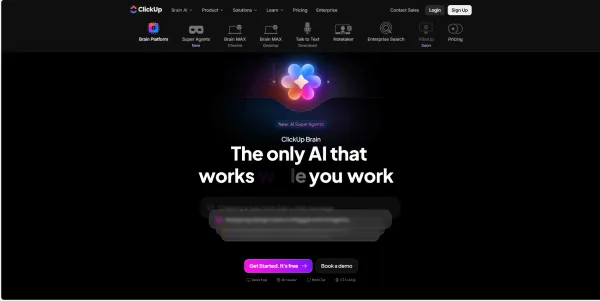
ClickUp is a project management platform that uses AI to help teams sort out tasks, automate workflows, and handle projects well.
It puts task tracking, document management, and team working together all in one place.
Top Features
- AI helps make tasks
- Project planning tools
- Workflow automation
- Dashboards for team collaboration
Great For
- Project managers
- Business teams
- Agencies and startups
7. Google Gemini – The Best AI Tool for Google Workspace
Google Gemini puts AI right into Google Workspace tools like Gmail, Docs, Sheets, and Slides.
This lets you make documents, check spreadsheets, and create presentations with AI’s help.
Top Features
- AI helps make documents
- Spreadsheet automation
- Helps write emails in Gmail
- Presentation creation
Great For
- Google Workspace users
- Businesses that use Google tools
- Remote teams
Bonus AI Tool: Syntx AI – All-in-One AI Productivity Platform
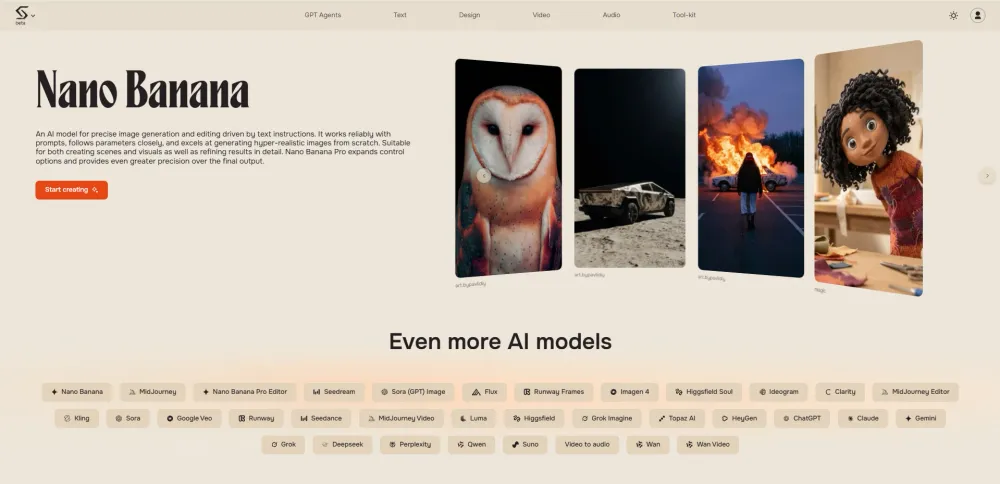
While many productivity tools focus on a single task, Syntx AI takes a different approach by combining multiple powerful AI tools into one platform.
Instead of switching between different apps for writing, video generation, image creation, and automation, Syntx AI allows professionals to manage everything in a single workspace.

This makes it an excellent option for creators, entrepreneurs, and businesses that want to streamline their AI workflow and save time.
Key Features
- Access to multiple advanced AI models in one platform
- AI video generation and enhancement
- Image generation and design tools
- AI music creation tools
- Text generation and AI assistants
- Ability to create custom GPT agents
One of the biggest advantages of Syntx AI is that it provides access to multiple powerful language models, allowing users to experiment with different AI capabilities depending on their workflow.
SPONSORED
👉Try Syntx AI here: Syntx.ai
Best For
- AI creators
- entrepreneurs
- content creators
- businesses using multiple AI tools
If you often find yourself jumping between different AI apps, Syntx AI can simplify your workflow by bringing everything into one place.
How to Pick the Best AI Productivity Tool
With so many choices, picking the right AI productivity software depends on what you need.
Know What You Need
Pick tools that fix your biggest productivity problems, like writing, automation, or project management.
Check That It Works With Your Other Tools
Make sure the AI tool works with the software you already use, like Slack, Google Workspace, or CRM systems.
Is It Easy to Use?
Beginners should start with simple AI tools that don’t take much to set up.
Think About Price
Many AI productivity tools have free plans, but the better stuff costs money.
Tips for Getting the Most Out of AI
To use AI well, you need to have a plan.
Start with One Tool
Instead of trying to use a bunch of tools, start with one AI platform and learn how it works.
Automate Those Repetitive Tasks
Use AI to take care of those tasks you do over and over, like entering data or planning schedules.
Use AI for Research and Writing
AI helpers can really cut down on the time it takes to brainstorm, write, and fix things.
Make Automated Workflows
Putting together multiple AI tools can make automated workflows that save you tons of time each week.
What’s Coming Up for AI Productivity Tools
AI productivity software is changing fast. AI tools are getting smarter and able to do harder tasks.
Here’s what to expect:
- AI agents that do tasks on their own
- AI can guess how to make workflows automatic
- Better collaboration tools
- AI helpers for businesses
As these technologies get better, people who start using AI now will have a big advantage at work.
In Conclusion
AI is changing how we get things done. The right AI tools can help us make boring work automatic, get more organized, and do more in less time.
The 7 best AI productivity software tools in this guide—ChatGPT, Notion AI, Zapier, Grammarly AI, Otter.ai, ClickUp AI, and Google Gemini—are super useful for everyone.
Whether you’re just starting out, running a business, or working as a pro, using AI productivity tools can help you save time and work smarter.
Frequently Asked Questions (FAQ)
What Are the Best AI Tools for Productivity?
Some of the best AI productivity tools include ChatGPT, Notion AI, Zapier, Grammarly AI, ClickUp AI, Otter.ai, and Google Gemini.
Do AI Productivity Tools Cost Money?
Many AI productivity tools have free versions with some features, but the better plans with more automation and integrations cost money.
Which AI Tool Is Best for Task Management?
ClickUp AI and Notion AI are great for managing tasks and projects.
How Do AI Tools Help with Productivity?
AI tools help you get more done by making repetitive tasks automatic, helping with writing and research, sorting out workflows, and making quick summaries of info.
What’s the Best AI Productivity Tool for Small Businesses?
Zapier and ClickUp AI are awesome for small businesses because they make workflows automatic and help teams work together better.